Before interpreting model errors, check whether the reference labels support that interpretation. Use Dataset quality findings and sample review to identify corrections without replacing earlier results.
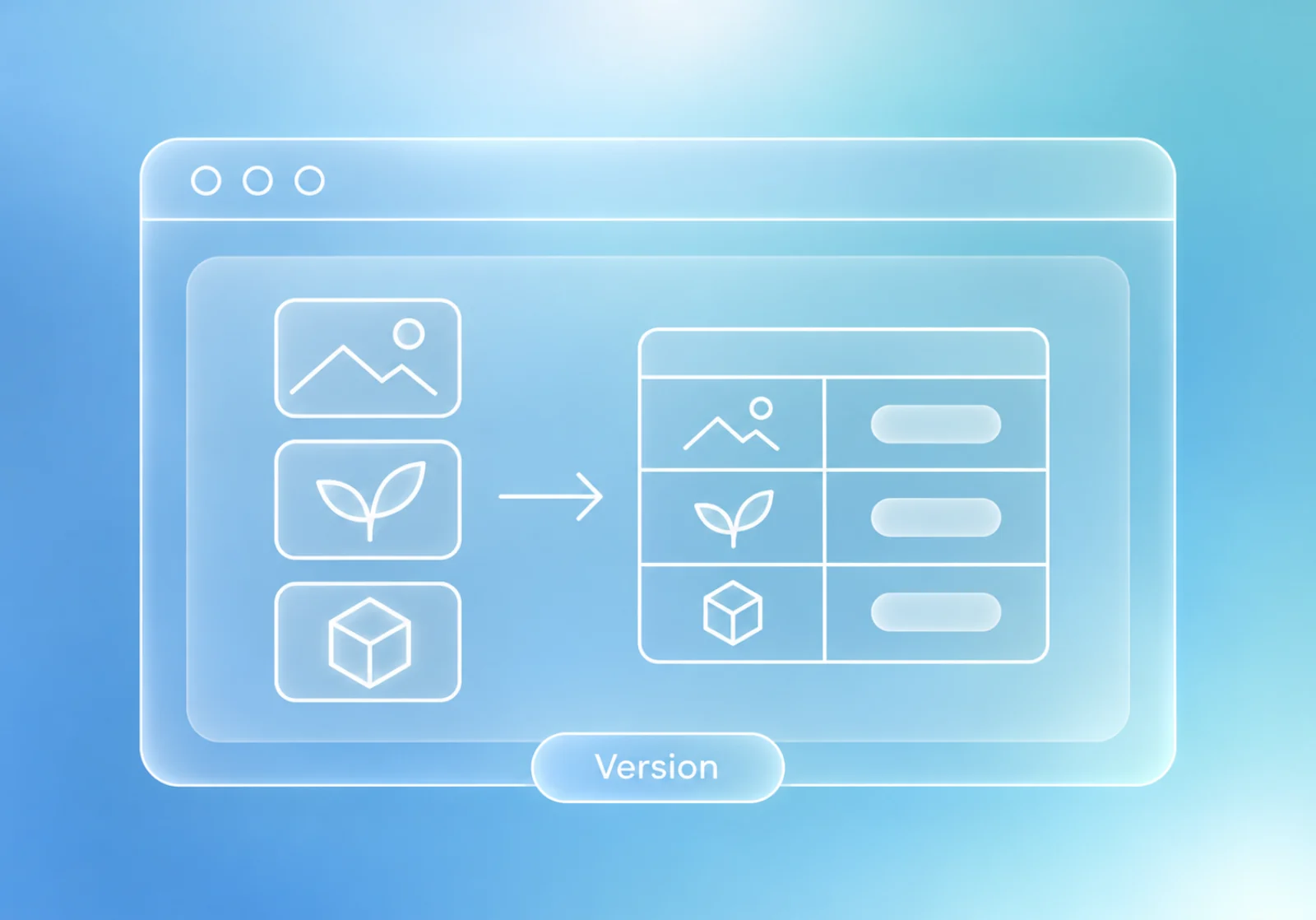
Sample-level access to the labels and source images
What you’ll keep
A reviewed annotation draft
A published label version for later scoring
Try this with the assistant
Add the relevant saved records to your chat, then adapt this request to your work.
Help me review the Quality findings for this Dataset version. Separate file problems, annotation issues, missing labels, and legitimate negative samples. Point to the affected samples and propose a correction plan for my review.
Start with the observed problem
Open Quality and inspect the applicable findings. Review affected samples rather than interpreting every flagged value as an annotation error.
Correct the selected version deliberately
Use Edit labels, or continue an existing draft. Check classes and instance boundaries with the appropriate box, polygon, or mask tool. Keep the source image visible during review.
Publish the corrected basis
Save version validates the draft while retaining the Dataset identity and earlier versions. Select that label version explicitly when scoring.
Revisit the interpretation
Compatible existing predictions can be scored against corrected Ground Truth. Compare the basis of the old and new results before attributing a changed score to the model.