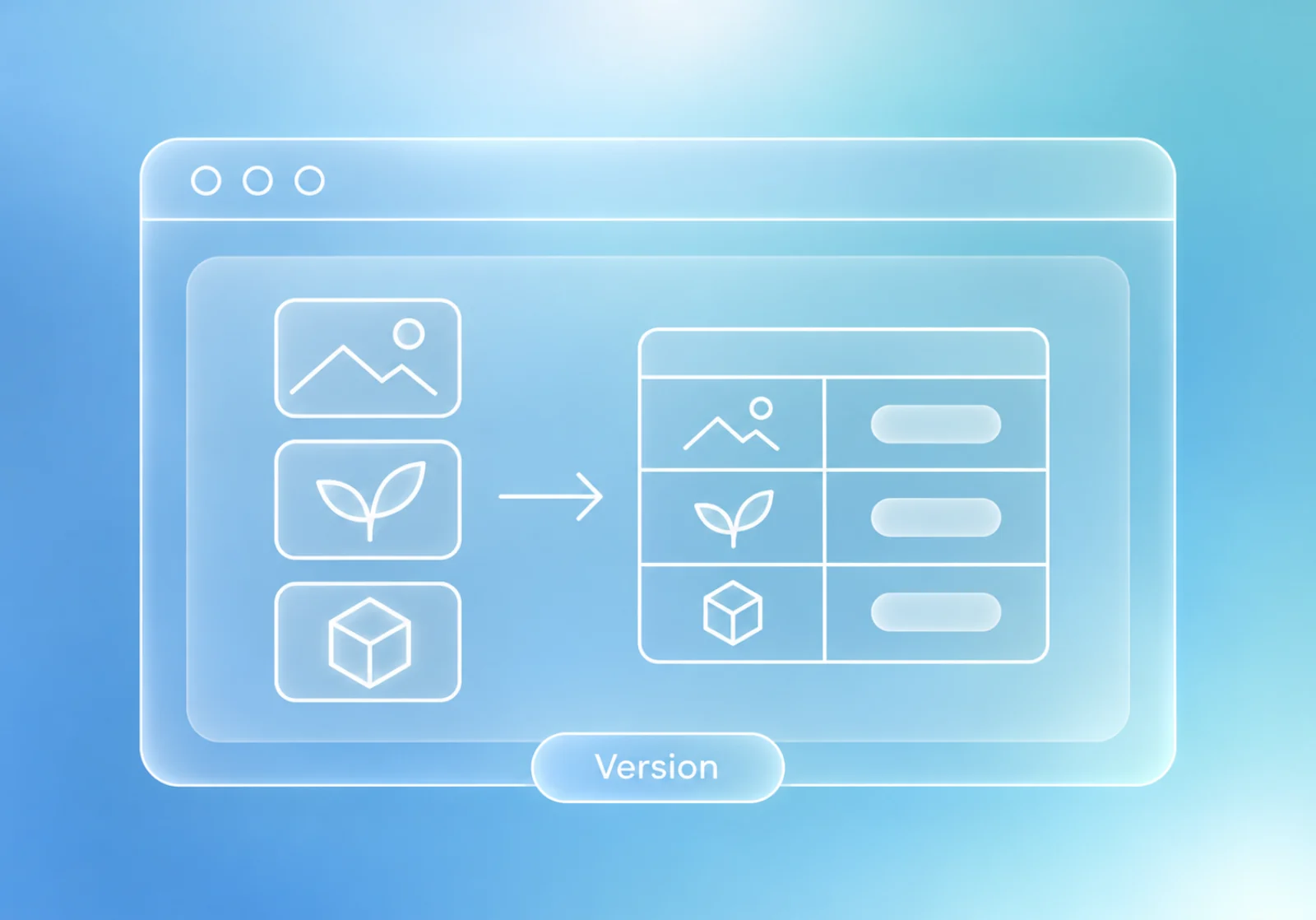
Use an API profile when the model runs in another service. A sample request makes the actual data destination and task-specific response mapping inspectable before a full Run.
A reviewed Run with explicit input and response mapping
Try this with the assistant
Add the relevant saved records to your chat, then adapt this request to your work.
Help me configure an API profile for this prediction endpoint. Inspect the supplied request and one Dataset sample, identify the expected response fields, and explain the task mapping. Keep credentials out of the written example and wait for verification before preparing execution.
Inspect the request
Add an API profile or import a cURL draft. Review the endpoint, authentication, sample body, and any batching or asynchronous behavior the service needs.
Check the actual response
Send one Dataset sample and inspect the returned fields. Align task outputs, class names, and coordinates with the Dataset. An HTTP success alone does not validate the prediction meaning.
Verify and prepare the Run
Verify the saved profile with its current settings and credential. Select it with the Dataset in a saved Test plan’s Run, then review the complete package.
Retain the destination and limits
Keep the selected service, configuration, and test coverage with the result. Re-verify after settings or credentials change.