Get Started
Create a Project
Create the visible folder that will own the tutorial evaluation record.
A Project is a user-visible folder containing the Materials, decisions, Claims, and Evidence for one body of evaluation work. Choose a location you control and can back up.
Create the Project
- Open Knotest.
- Open Projects and choose New.
- Enter a clear Project name, such as
Helmet 100 Tutorial. - Choose an empty location for the Project folder.
- Create and open the Project.
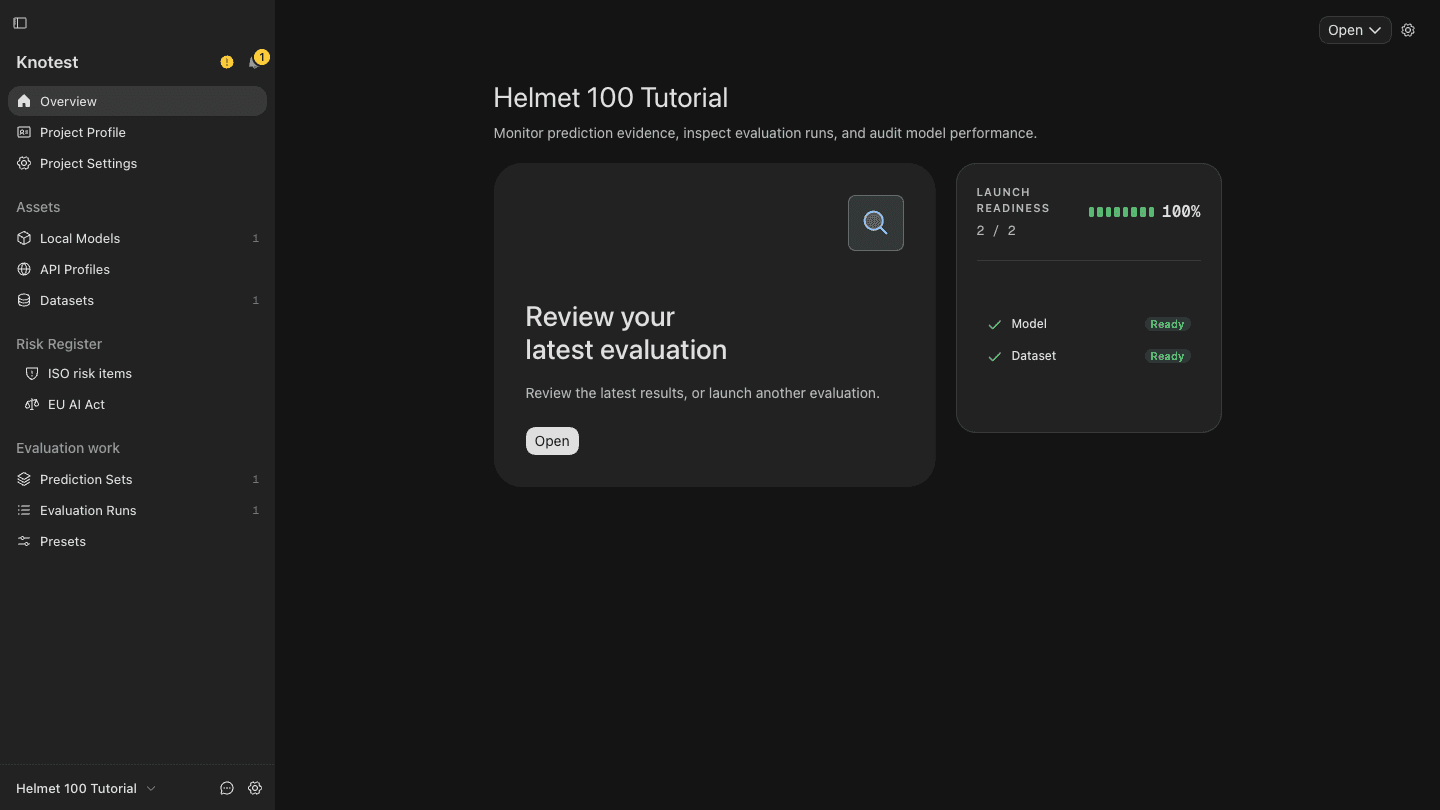
gs-project-01-createThe Overview screenshot below shows the same tutorial Project after its first Evaluation. A newly created Project starts without imported inputs or results.
Knotest can have one Project open for writing at a time. Do not put the Project inside an application installation folder or a temporary download directory.
Continue to Import the Dataset and Model.