Troubleshooting & Support
Export a Support Bundle
Collect bounded, redacted diagnostics for a Knotest support case.
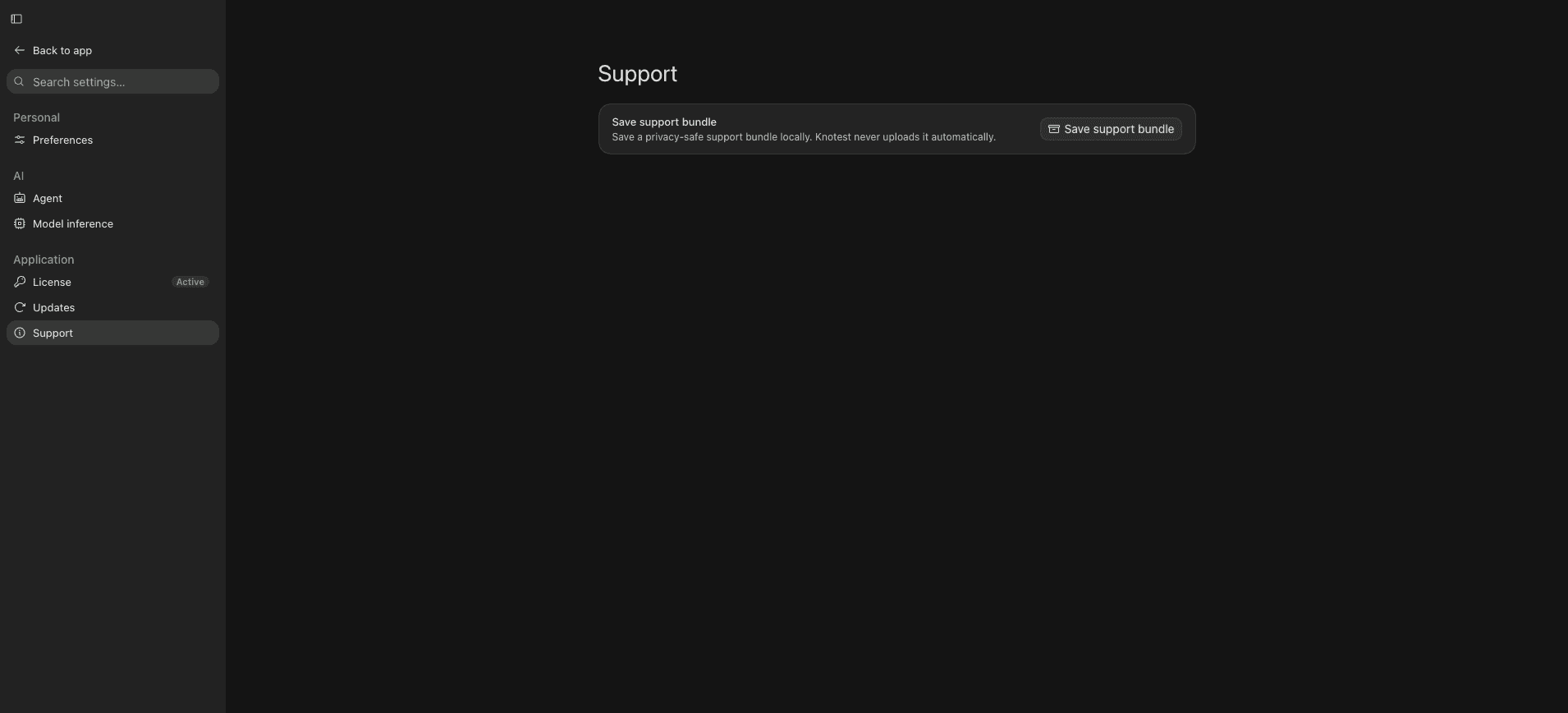
Use Settings -> Support -> Save Support Bundle after an Evaluation or application failure.
The ZIP can include bounded desktop logs, recent worker crash information, heartbeat timing, runtime fingerprints, selected Evaluation events, replay instructions, and bounded native crash artifacts.
It does not intentionally include:
- Model bytes;
- Dataset bytes;
- credentials;
- arbitrary environment variables; or
- complete unbounded logs.
Export and review
- Reproduce the problem if it is safe to do so.
- Open Settings -> Support.
- Save the Support Bundle to a controlled location.
- Review the archive contents, especially raw native crash artifacts.
- Send it only through the approved support channel.
The Support Bundle is private diagnostic output, not Project truth and not Evaluation Evidence.