Guides
Create an Evaluation Preset
Save a reusable, task-compatible scoring configuration.
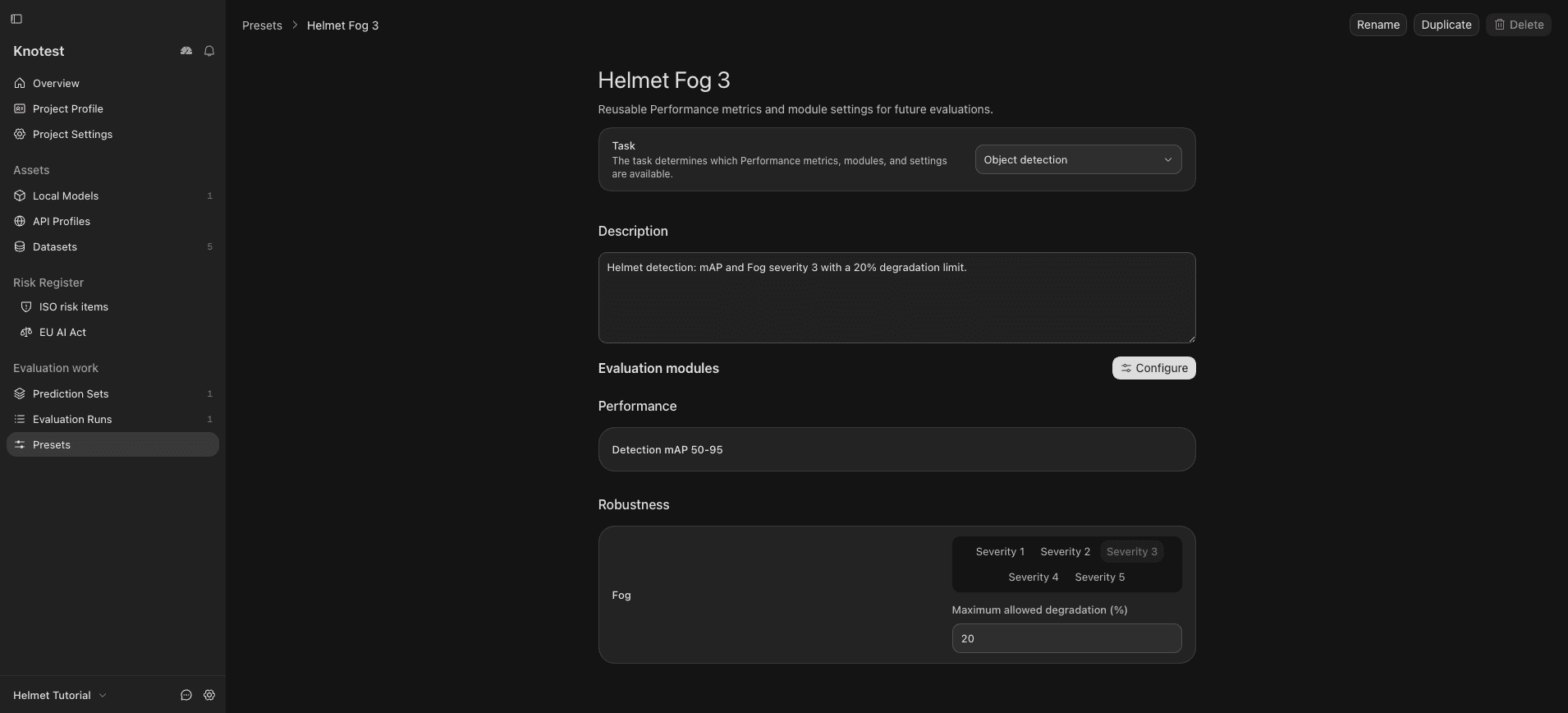
An Evaluation Preset stores Performance metrics, Product module methods and metrics, robustness transforms, and thresholds for one task.
A Preset does not own a Dataset, Model, API Profile, Prediction Set, inference settings, or sampling policy.
Create the Preset
- Open Evaluation work -> Evaluation Presets.
- Create a Preset and select its task.
- Choose Performance metrics.
- Add compatible Robustness, Fairness, or Explainability methods and metrics.
- Configure transforms and thresholds where required.
- Give the Preset a name that describes its scientific purpose.
- Save and review the final selection.
When a Preset is used before Prediction Generation, Knotest projects only its required prediction coverage. When it is used for Evaluation, Knotest applies its scoring choices and validates them against the selected Prediction Set.