GuidesDatasets and Models
Classification Inputs
Prepare and import an image classification Dataset and compatible Model.
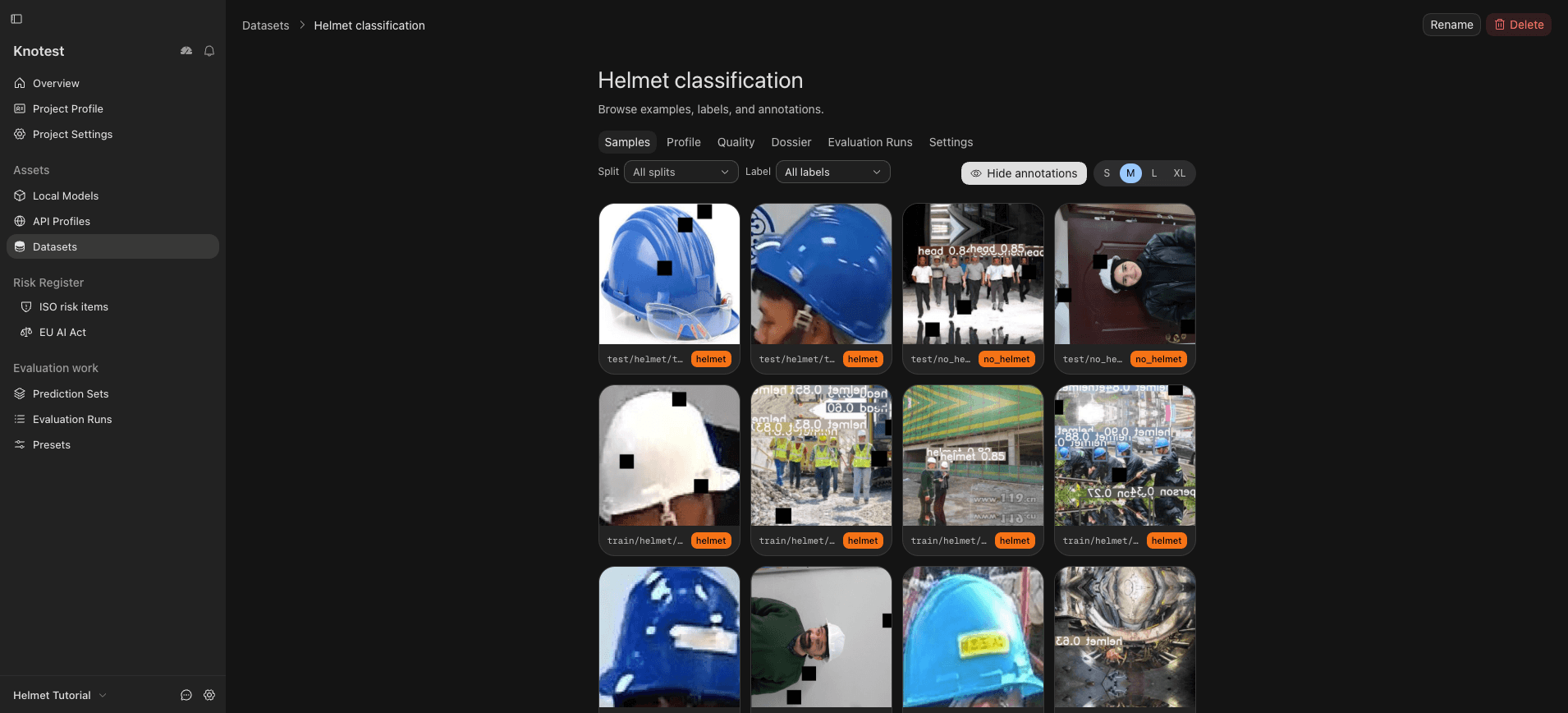
Use Folder Classification when directory names provide image class labels. Each eligible image must belong to exactly the class represented by its folder.
Preparation checklist
- Keep class folder names stable and unambiguous.
- Remove unsupported or corrupt files before import.
- Confirm whether the Model returns logits, probabilities, or another supported output interpretation.
- Use the exact same class order in Dataset and Model configuration.
- Know the Model input shape and preprocessing requirements.
Import the Dataset from Datasets -> Import, then import the Model from Models & APIs -> Local Models -> Import Model. Review the detected Dataset format and verify the Model before Prediction Generation.