GuidesDatasets and Models
Tabular Inputs
Prepare CSV, TSV, or Parquet classification and regression data.
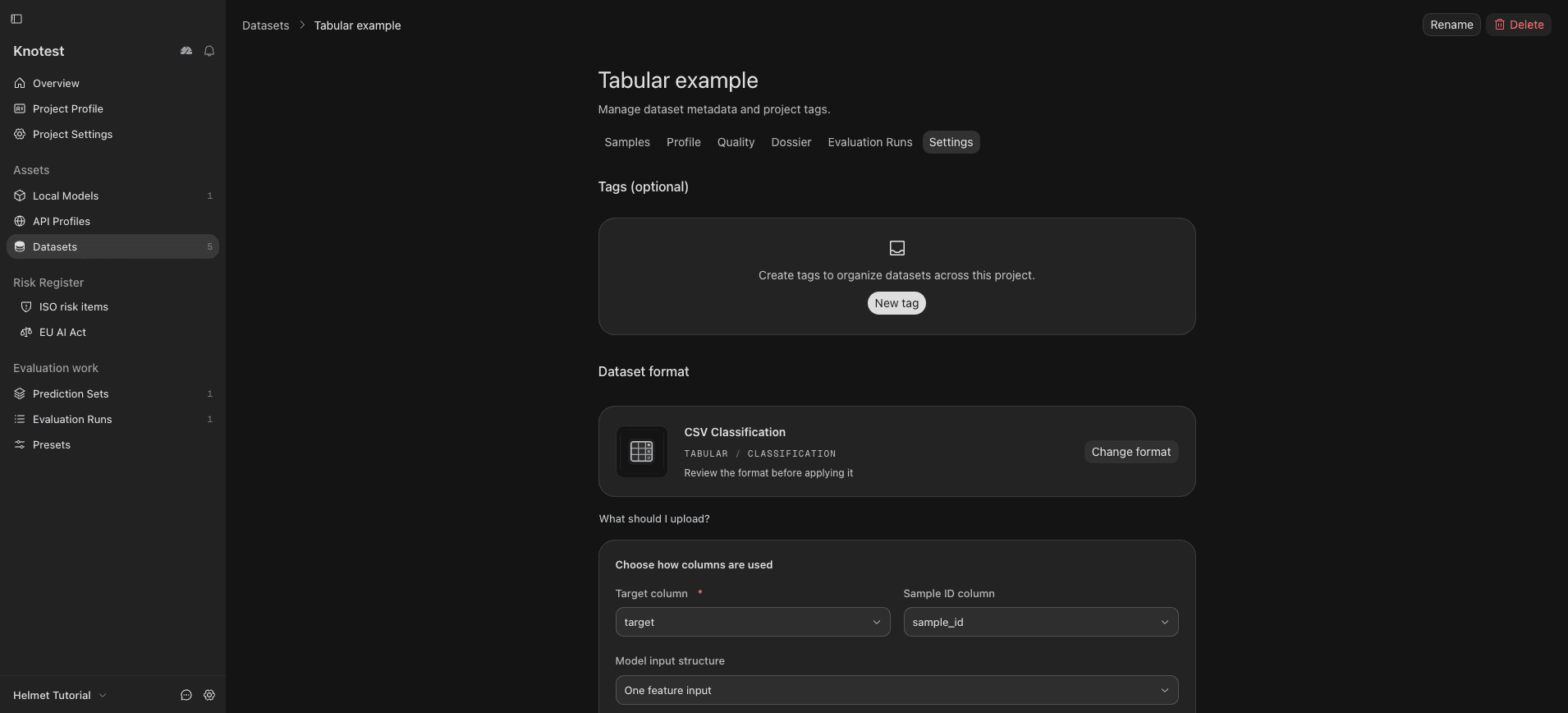
Knotest supports tabular classification and regression in CSV, TSV, and Parquet files. The registered Dataset format records how Knotest interprets the target column and feature data.
Preparation checklist
- Decide whether the target is categorical or numeric.
- Identify the target column explicitly.
- Keep feature names and types consistent with the Model input contract.
- Review missing values and categorical encodings before import.
- Confirm the Model output matches classification or regression.
- Avoid leaking the target into the Model feature set.
Review the Dataset profile after import before you generate predictions. A parseable table can still contain scientifically invalid feature or target data.
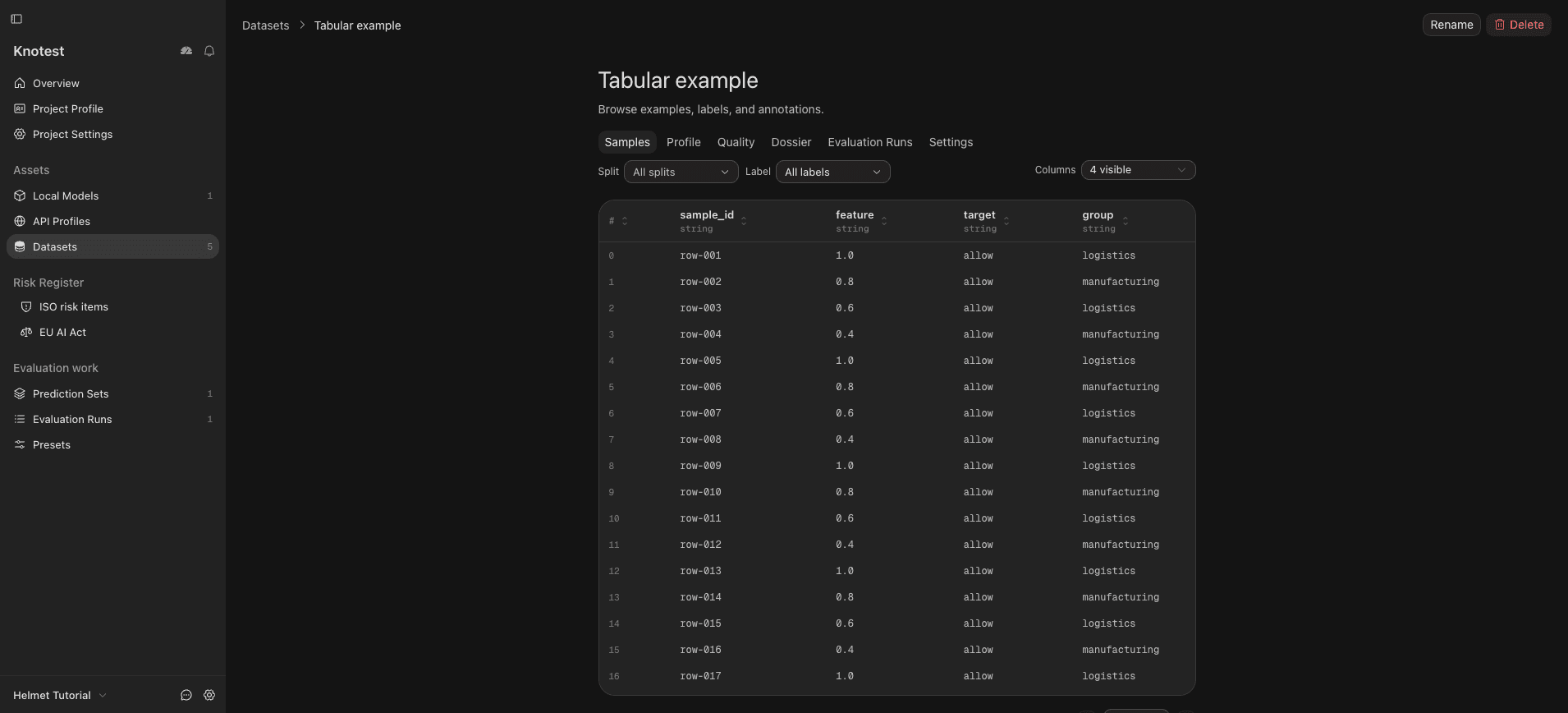
This example uses a separate synthetic 40-row CSV (not the Helmet vision
Dataset). feature is the input, target is the classification target,
sample_id identifies rows, and group contains demonstration group labels.