GuidesDatasets and Models
Oriented Bounding Box Inputs
Prepare YOLO four-corner oriented bounding-box annotations and Model output.
An oriented bounding box is a rectangular annotation that may be rotated. Knotest supports the YOLO Oriented Bounding Boxes Dataset format.
Preparation checklist
- Keep each four-corner annotation in the supported point order.
- Confirm coordinates correspond to the source image dimensions.
- Preserve class IDs and label order.
- Configure the Model for the OBB task rather than axis-aligned detection.
- Inspect imported previews for orientation and corner-order mistakes.
Use OBB only where space is constrained. Product documentation uses the full
term oriented bounding box in explanatory copy.
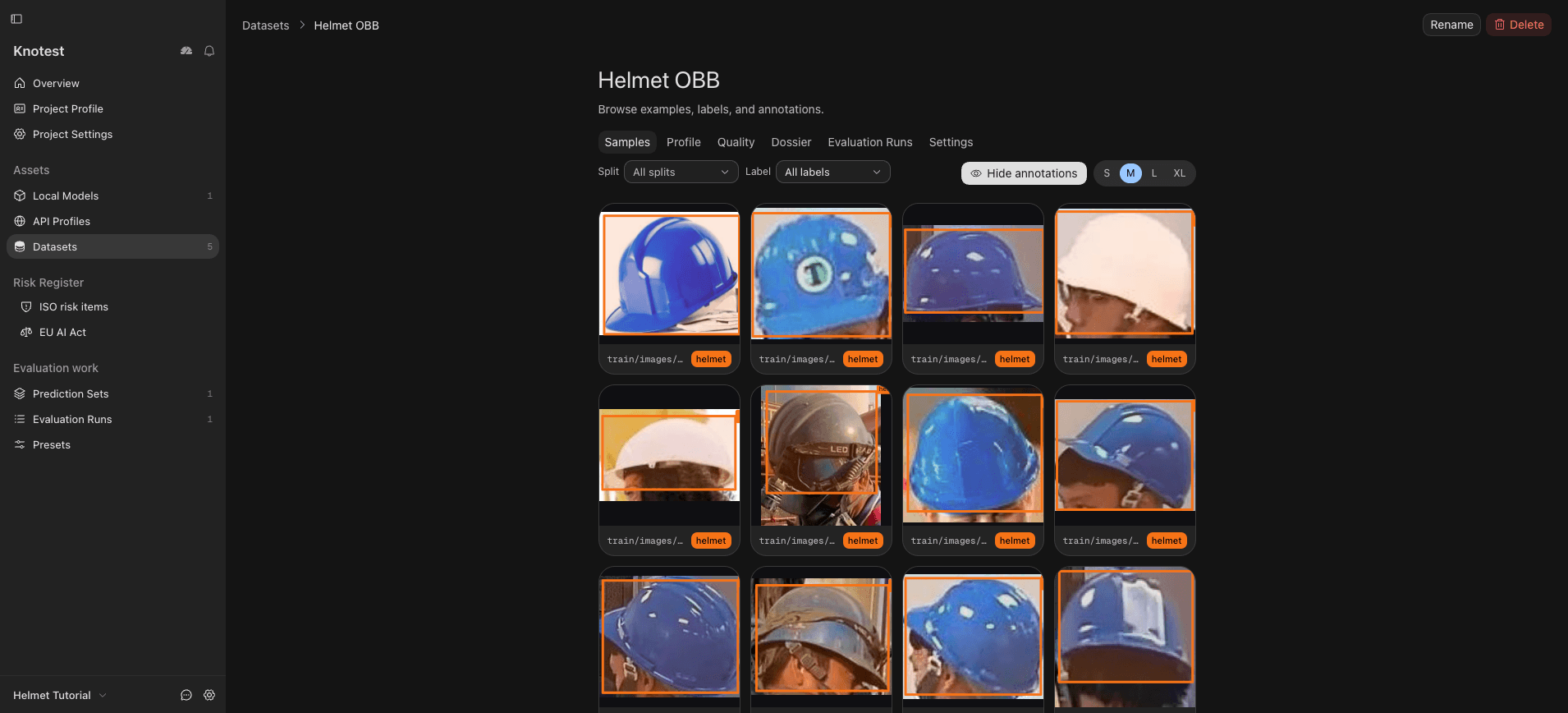
These tutorial samples demonstrate the oriented-box format, but their visible boxes are nearly axis-aligned. Also test a clearly rotated annotation when validating your own Dataset.