GuidesDatasets and Models
Object Detection Inputs
Prepare YOLO or COCO bounding-box data and a compatible detection Model.
Object detection compares predicted axis-aligned boxes and classes with the Dataset annotations. Knotest supports YOLO Object Detection and COCO Object Detection Dataset formats.
Preparation checklist
- Confirm that every annotation resolves to a readable image.
- Validate box coordinates and reject zero-area or out-of-bounds geometry.
- Confirm Dataset split selection before import.
- Preserve the Dataset class ID to label mapping.
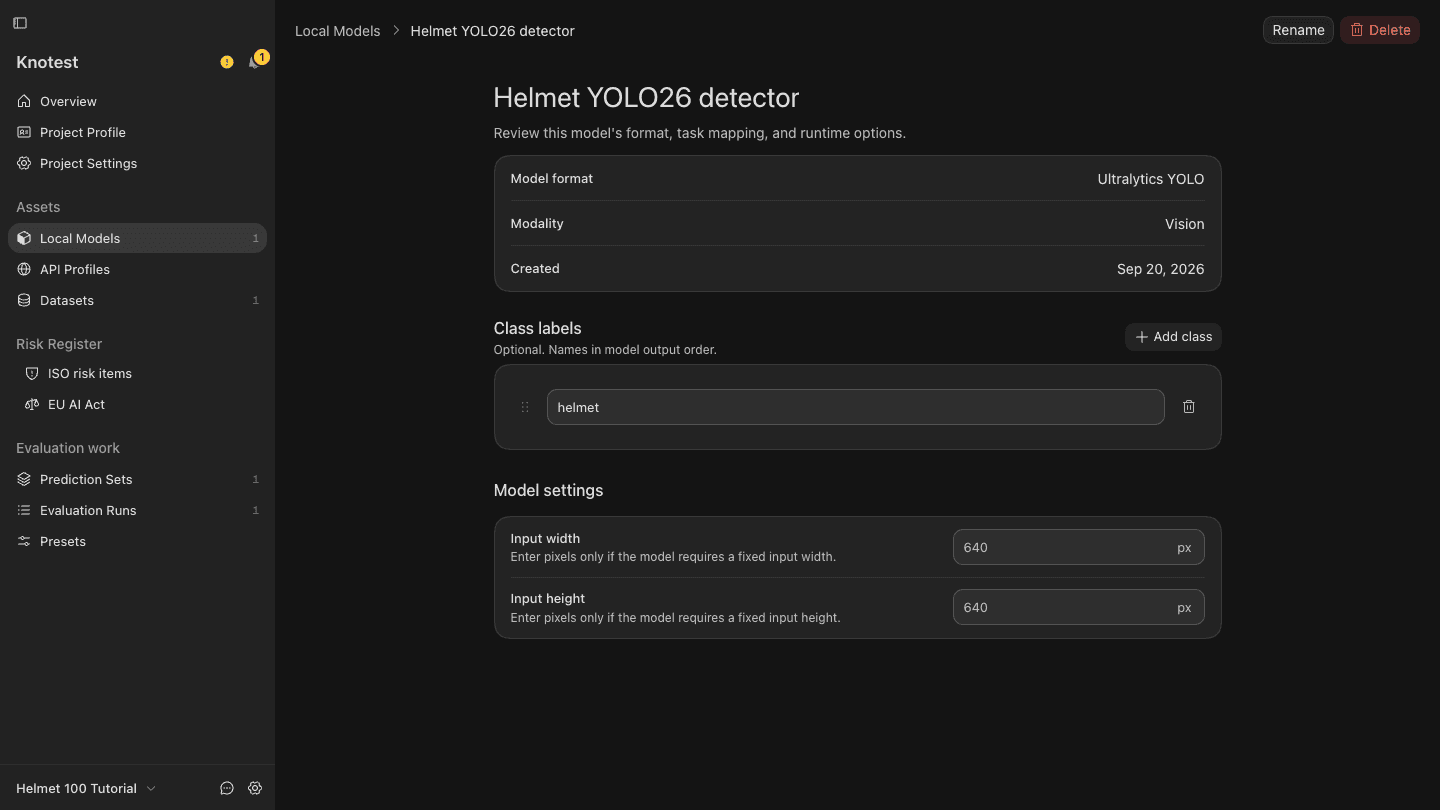
- Configure the Model with the identical class order.
- Record confidence threshold, NMS behavior, maximum detections, and input size.
For .pt YOLO Models, choose the YOLO backend and Object Detection task during
Model import. Do not silently change inference settings between Prediction Sets;
they are part of provenance.